
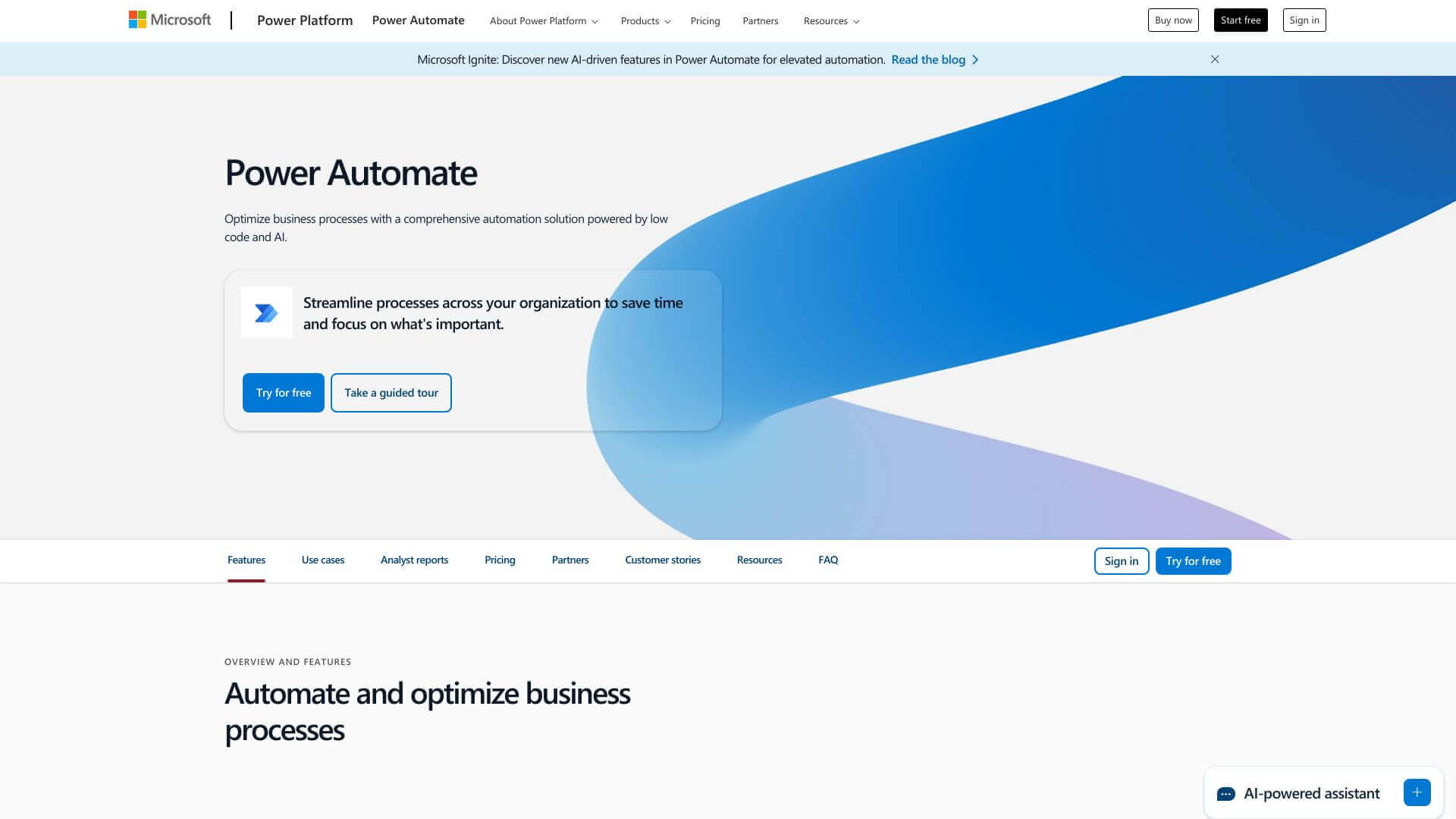
Microsoft Power Automate is an Automation tool. Automates tasks & workflows! Connects apps, sends notifications, & streamlines business processes easily, without code. Key features include Triggers and Actions, Connectors and Integration, and Conditions and Controls. Best for business consultants, project managers and hr professionals and recruiters.
About Microsoft Power Automate
It's all about making work easier! Power Automate uses triggers to start actions across different apps. Think sending emails, updating databases, or messaging Teams. You can pick from ready-made templates or build your own. It integrates with Microsoft tools and others, so you can automate almost anything. Great for saving time and boosting productivity.
Key Features
Triggers and Actions.
Power Automate lets you set up triggers. These triggers start actions across different services. Think sending emails, making tasks, or updating databases. You can even post messages to platforms like Teams.
Connectors and Integration.
There are tons of pre-built connectors. They link Power Automate to systems and apps. This makes data and workflows flow smoothly.
Conditions and Controls.
Create logic for your workflows. Use controls, like loops, to handle complex tasks.
Templates and Pre-built Flows.
Jumpstart automation with ready-made templates. They cover common scenarios. You can automate tasks quickly without building from scratch.
AI and Analytics Integration.
AI Builder adds smarts to automation. Analytics help you watch and tweak workflows.
Business Process Automation.
Automate complete business processes step by step. It often links with tools like Dynamics 365.
Frequently Asked Questions
It automates business tasks and workflows that take up too much time.
No, it's designed to be used without needing to know how to code.
Yes, it can connect to many apps using its large collection of connectors.
Yes, you can try it out with a free plan or a free trial to see what it can do.