
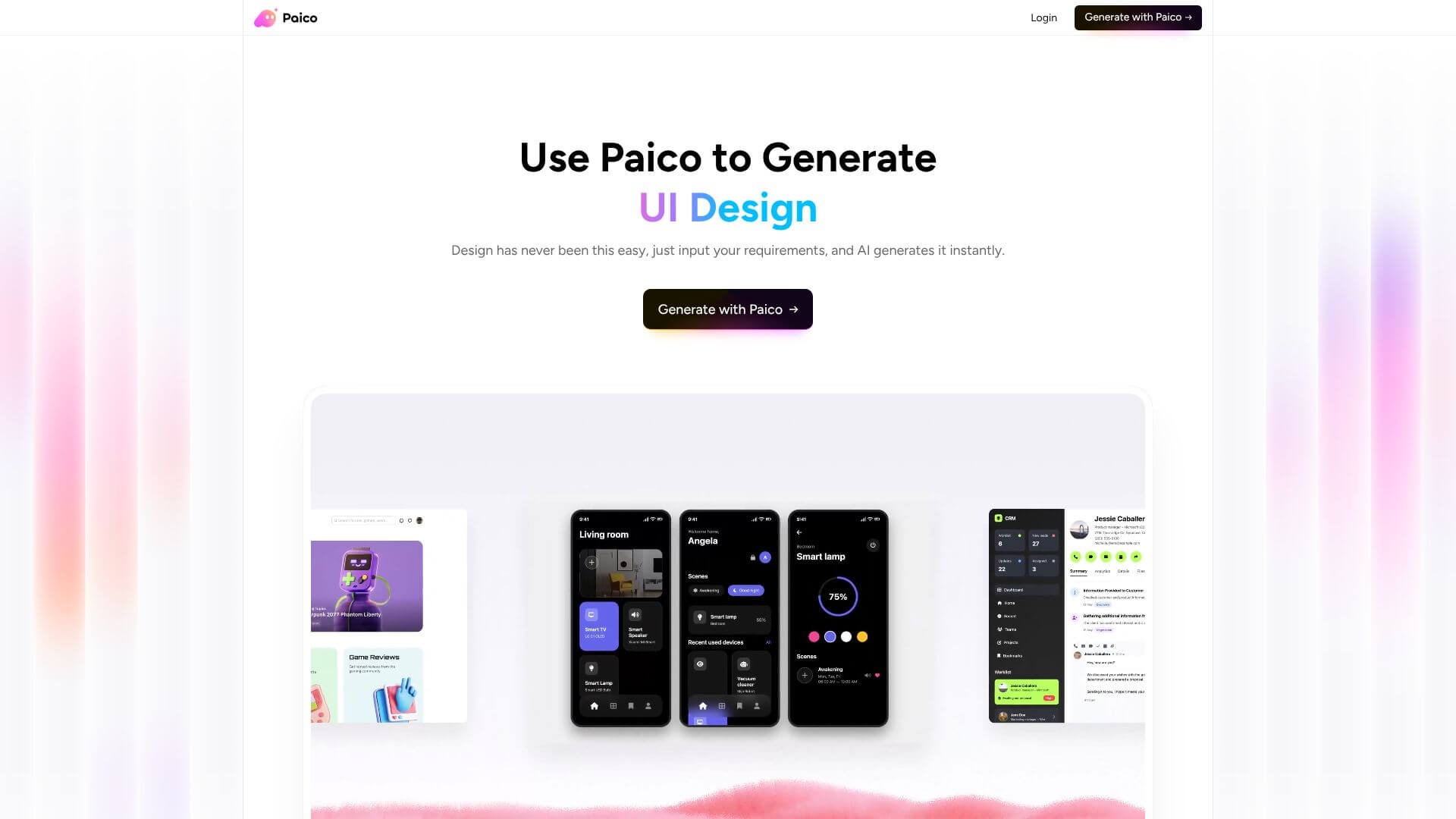
Paico is an AI Productivity tool. Generate UI designs from text in 30 seconds. Key features include Instant AI-Generated Design Drafts from Natural Language, Direct Integration with Pixso for Seamless Design Handoff, and Responsive Design Generation Across All Devices. Best for designers, software developers and engineers and project managers.
About Paico
Paico is an AI UI design tool that generates professional interface designs from natural-language descriptions in about 30 seconds. The platform combines instant design generation with Pixso integration, responsive output across devices, conversational refinement, code mode, and version control — targeting both professional designers wanting acceleration and non-designers needing functional designs.
The core features that matter
- Instant AI-generated design drafts from natural language descriptions including purpose, layout, colors, and functions, producing professional designs in seconds
- Direct integration with Pixso for sending generated designs to the collaborative design platform with full editability
- Responsive design generation across web, mobile, and tablet from one prompt without requiring separate per-device design work
- Multi-round conversational refinement letting users adjust layouts, colors, and text through follow-up chat rather than starting over
- Code mode showing designs as code so developers can see structure, styling, and components for implementation
- Design history management with version control letting users compare designs and revert to previous versions
How it stands out
The AI UI design space has competitors including Galileo AI, Uizard, Visily, and Figma's AI features. Paico's specific position is the 30-second generation combined with Pixso integration. For users wanting fast iteration with collaborative platform handoff, that combination matters more than tools focused on individual workflow.
The honest qualifier: AI-generated UI designs work well for standard patterns (dashboards, e-commerce flows, landing pages) and produce less inspired results for unique brand experiences. Professional designers typically refine AI output substantially before shipping; the AI provides a starting point rather than finished work. For non-designers needing functional interfaces or professional designers accelerating draft creation, Paico addresses real gaps. For users wanting truly distinctive design work, AI generation supplements rather than replaces designer judgment.
Key Features
Instant AI-Generated Design Drafts from Natural Language.
Direct Integration with Pixso for Seamless Design Handoff.
Responsive Design Generation Across All Devices.
Multi-Round Conversational Design Refinement.
Code Mode for Technical Implementation.
Design History Management and Version Control.
Frequently Asked Questions
Paico is an AI tool that helps you design user interfaces quickly. You just describe what you want in plain language, and Paico creates a design for you in seconds.
Paico has lots of cool features. It can create designs from text, integrate with Pixso for easy handoff, design for different devices, let you refine designs through chat, show you the code, and keep track of all your design versions.
Paico is super fast and easy to use, even if you're not a designer. It handles different devices and works well with other tools. But, the designs depend on how well you describe what you want. It might need extra tweaking and might not be great for super unique designs.
Paico has a free version, so you can try it out. They probably have paid plans for professionals with more features. It's great for product managers, founders, developers, designers, and even students who want to design faster.



