
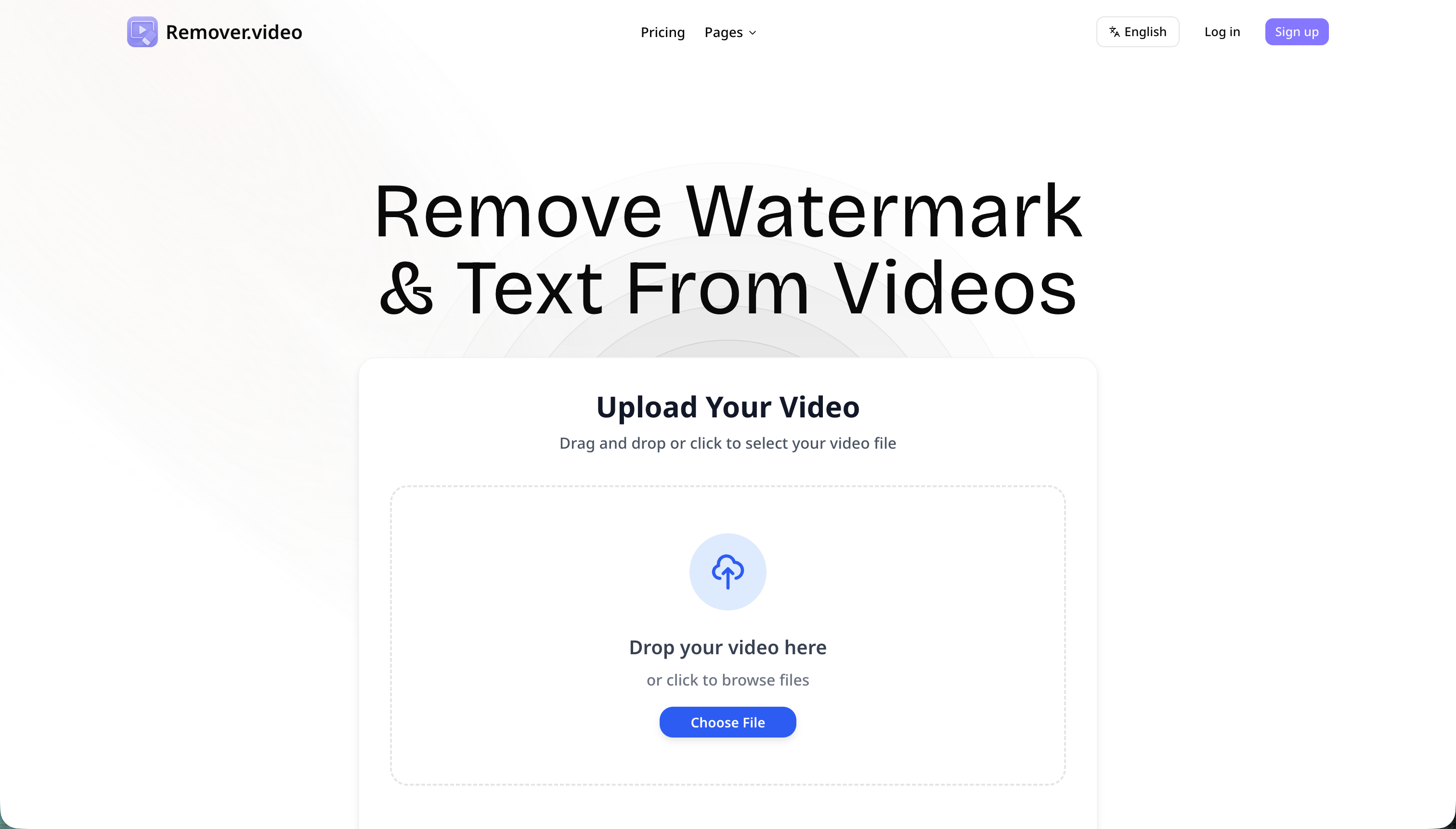
Remover.video is an AI Video tool. Remover.video removes watermarks, text, and logos from videos using AI without losing quality. Key features include AI-Powered Watermark Removal, No Quality Loss Technology, and Multi-Platform Support. Best for marketers, content creators and social media managers.
About Remover.video
Remover.video is an AI tool for removing watermarks, text, logos, and other unwanted elements from videos. The platform handles AI-powered detection automatically, supports multiple video formats and social media sources, and processes batch jobs quickly — targeting content creators, marketers, and users cleaning up downloaded video content.
The core features that matter
- AI-powered watermark removal automatically finding and removing watermarks from TikTok, Instagram, YouTube, and other platform sources without manual selection
- No quality loss technology reconstructing video areas where watermarks were located without blurring or pixelation
- Multi-platform support across MP4, MOV, and other common video formats from all major social media sources
- Batch processing editing multiple videos at once for users handling video volume rather than single clips
- Fast processing speed producing edited videos quickly compared to manual editing in traditional video tools
- User-friendly interface requiring no special editing skills with the AI handling the technical work
How it stands out
The video watermark removal space has competitors including HitPaw Watermark Remover, Apowersoft, Video Watermark Remover online tools, and various AI-based alternatives. Remover.video's specific position is the AI-driven automatic detection across multiple platforms combined with quality preservation. Most competitors either require manual selection or produce visible artifacts where watermarks were.
The honest qualifier: watermark removal raises real legal and ethical concerns since watermarks often represent creator attribution and copyright assertions. Removing watermarks from content you don't own or have explicit permission to use can violate platform terms of service and copyright law. Legitimate uses include removing watermarks from your own content where you have rights to do so. For users with proper rights to source content, Remover.video handles the cleanup efficiently. For users considering watermark removal on others' content for republishing or commercial use, both legal risk and ethical problems persist regardless of how easy the technical removal becomes.
Key Features
AI-Powered Watermark Removal.
No Quality Loss Technology.
Multi-Platform Support.
Batch Processing Capability.
Fast Processing Speed.
User-Friendly Interface.
Frequently Asked Questions
Remover.video works with MP4, MOV, AVI, and other standard video files. These are the kinds you often get from video editors or download from social media.
It varies depending on the video's length and how busy the servers are. But usually, it only takes a few minutes. It's way faster than editing it yourself!
Yep! The AI is smart enough to spot watermarks that move around, even if they're hard to see.
The AI fills in the space where the watermark was. It uses the stuff around it to make it look natural. People probably won't even notice!



