
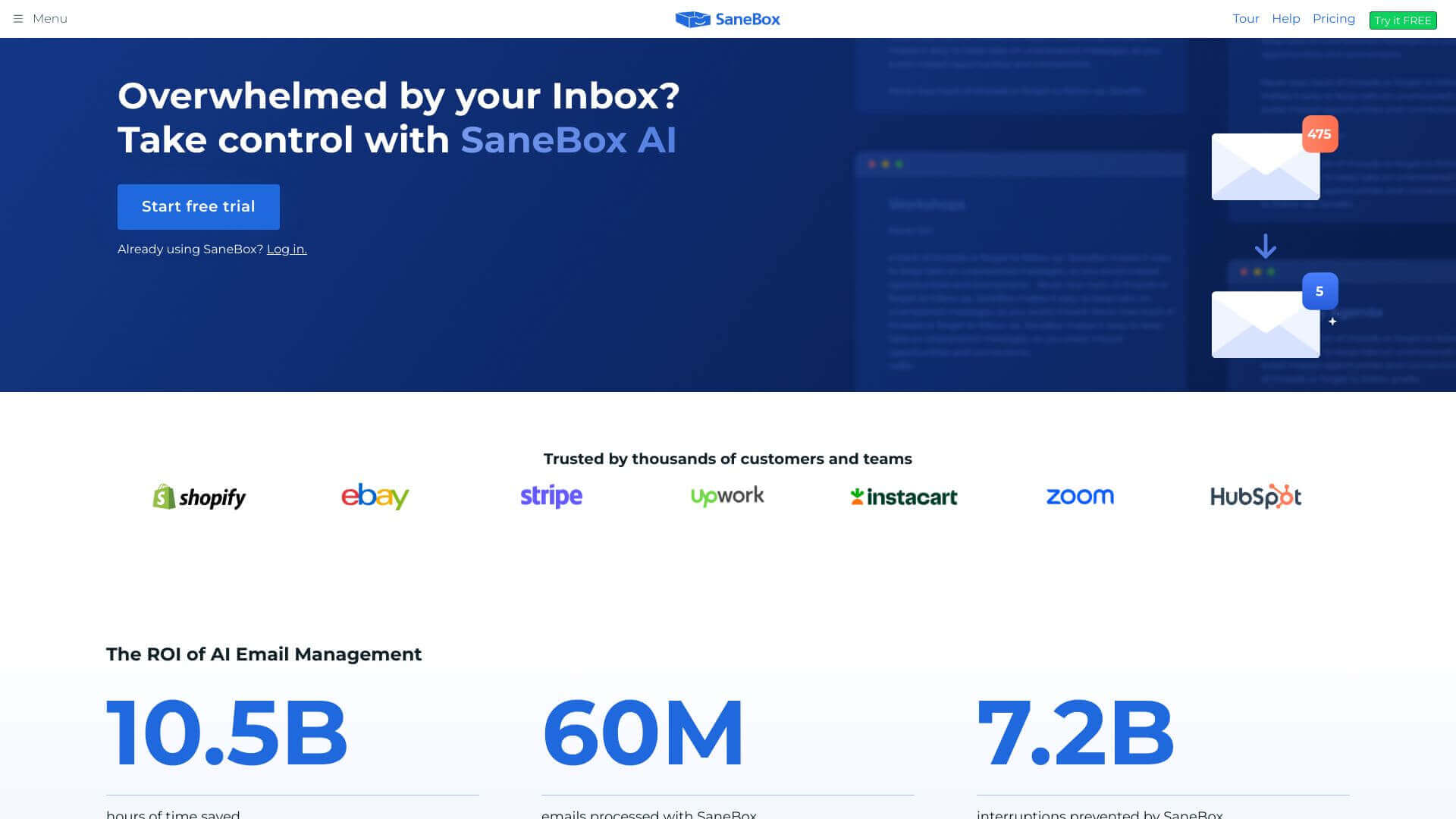
SaneBox is an AI Productivity tool. Sorts your inbox, putting important emails front and center. Less vital stuff goes into other folders for later. Key features include Email Filtering, SaneBlackHole, and SaneLater. Best for project managers and business consultants.
About SaneBox
SaneBox uses AI to clean up your email. It learns what's important to you and files away the rest. Features like snooze and unsubscribe help manage the info overload. Pricing might be high for some, but it could save lots of time.
Key Features
Email Filtering.
Automatically sorts emails into important and less important folders based on past interactions.
SaneBlackHole.
Allows users to drag unwanted emails into this folder, effectively unsubscribing from future mails from those senders.
SaneLater.
Stores emails that can be addressed later, such as newsletters or non-urgent messages.
Response Tracking.
Sends reminders for emails that haven’t been replied to, ensuring important communications are not overlooked.
SaneSnooze.
Temporarily hides emails from your inbox until a specified time, allowing organized workflow management.
Smart Unsubscribe.
Automatically detects and helps users unsubscribe from unwanted newsletters and promotional emails.
Frequently Asked Questions
SaneLater is a folder where SaneBox puts emails that aren't urgent. You can read them later.
If you have the Premium or Business plan, SaneBox can handle all your email addresses. It helps you manage them in one place.
Yes, SaneBox has a Smart Unsubscribe feature. It makes it easy to get rid of newsletters and promotional emails you don't want.
SaneBox works with most popular email services. That includes Gmail, Outlook, and Yahoo Mail.



