
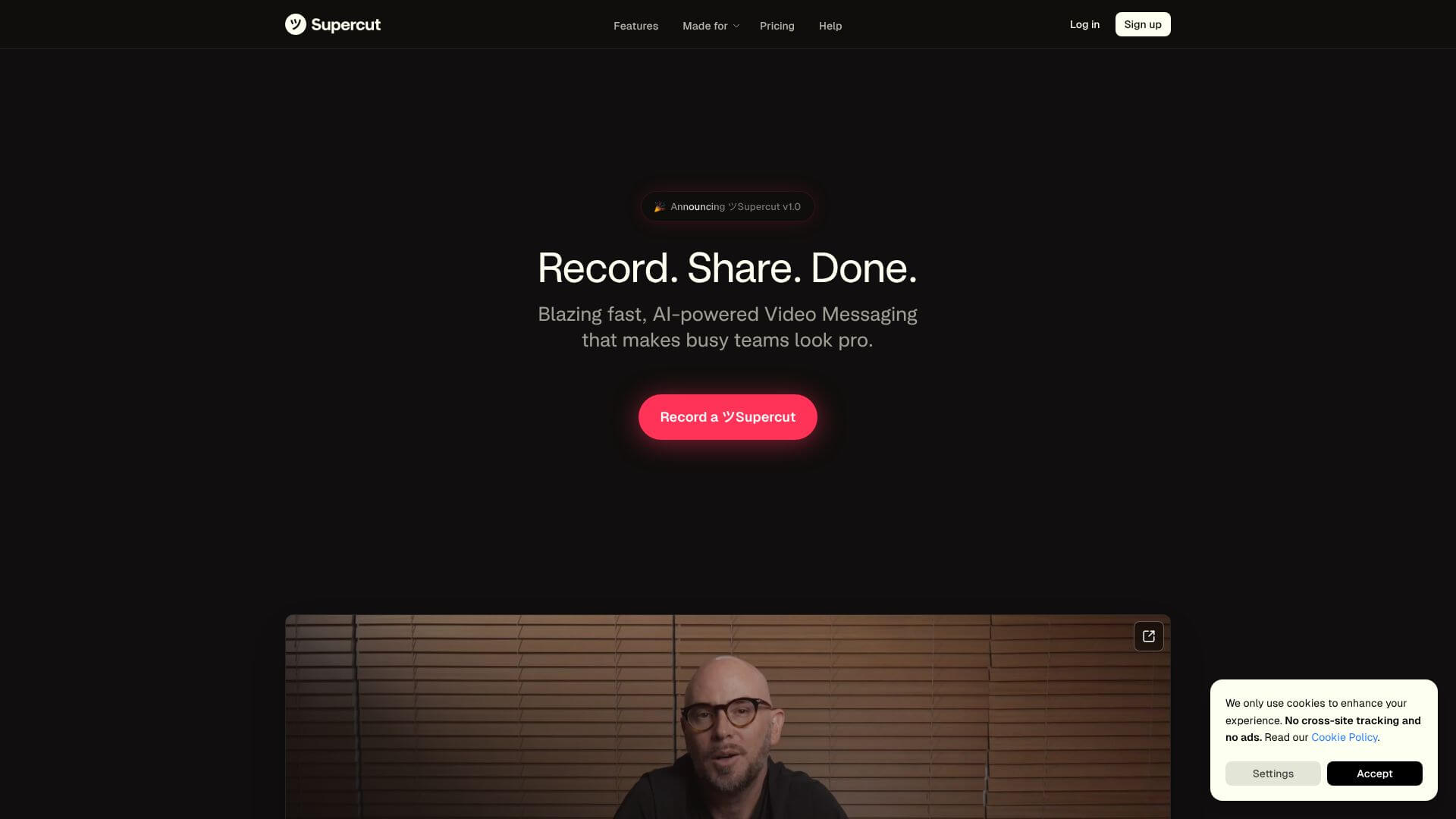
Supercut is an AI Video tool. Records screen and camera. AI makes polished videos fast with auto-chapters, captions, branding, and noise reduction. Key features include AI Auto-Chapters, 4K Recording Quality, and Instant Sharing. Best for content creators, sales professionals and marketers.
About Supercut
Supercut is an AI video tool that helps you record your screen and webcam easily. Create polished videos with auto features like captions and branding. It's perfect for quick updates and demos.
Key Features
AI Auto-Chapters.
Automatically segments videos into clickable chapters for easy navigation
4K Recording Quality.
Captures screen content in up to 4K resolution with smooth performance
Instant Sharing.
Videos are ready to share immediately after recording with auto-generated links
Automatic Captions.
AI generates closed captions in real-time for accessibility
Custom Branding.
Add logos, colors, fonts, and CTAs to maintain brand consistency
Noise Cancellation.
Built-in AI removes background noise for professional audio quality
Frequently Asked Questions
Supercut is faster because it's a native Mac app. It shares videos instantly and has great AI features.
Yes, it's free while it's in beta. They will always have a free version, too.
Right now, it works on Macs and as a Chrome extension. More platforms are coming later.
Yes, you can add your own logos, colors, and fonts. This keeps your brand looking consistent.



