
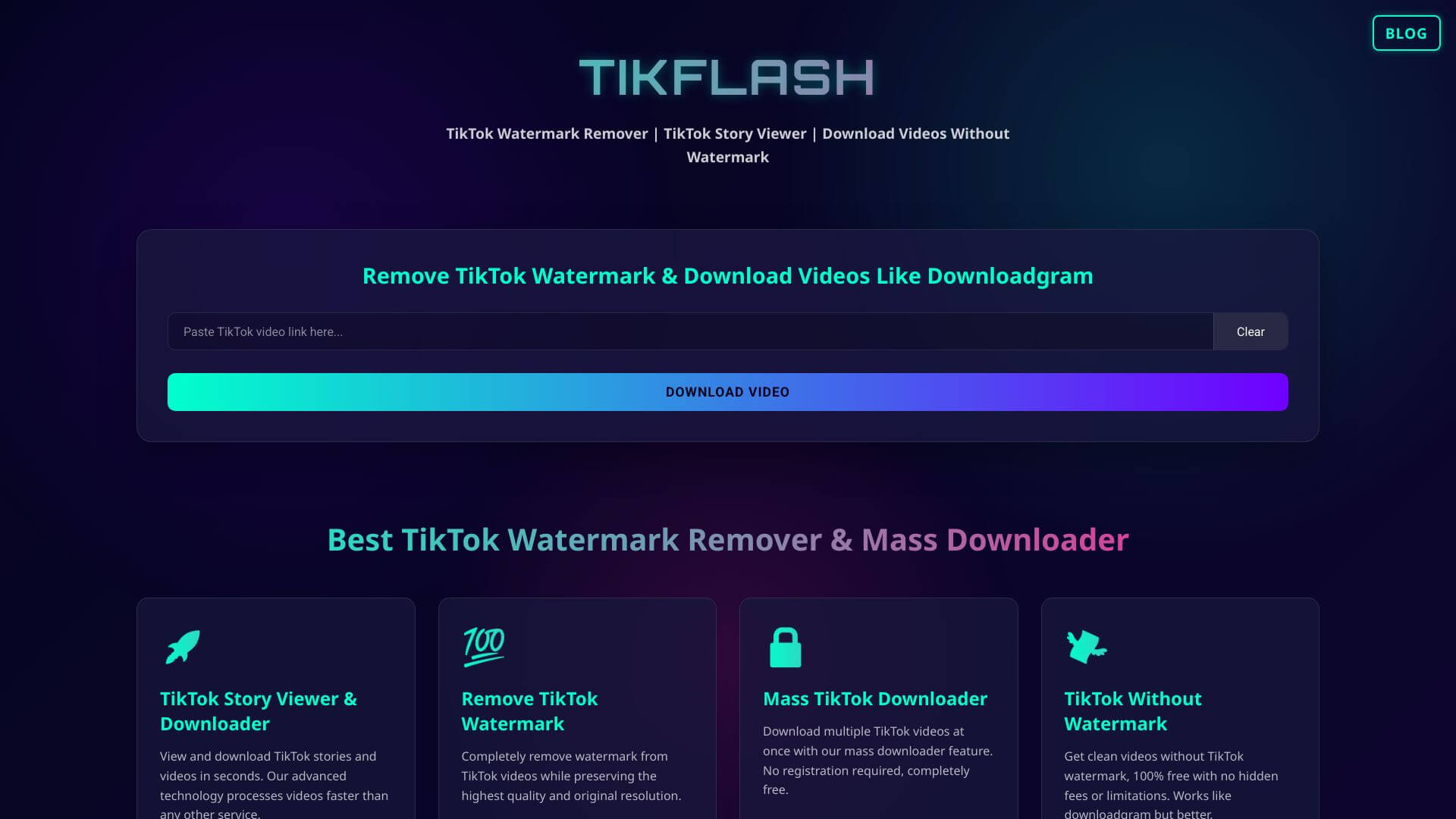
tikflash is an AI Video tool. Downloads TikTok videos (without watermarks!) so you can save and share your favorite content easily. Key features include Watermark-Free Downloads, Multiple Video Formats, and Quick Download Speeds. Best for content creators, social media managers and marketers.
About tikflash
tikflash is a free TikTok video downloader supporting watermark-free downloads in multiple formats with fast processing and no registration required. The tool targets users who want to save TikTok videos for offline viewing, archival, or content reference without dealing with the in-app save limitations.
The core features that matter
- Watermark-free downloads producing clean videos without TikTok's branding overlay for personal or professional use
- Multiple video formats including MP4 and WEBM options matching different downstream needs
- Quick download speeds with optimized infrastructure delivering videos faster than slower competing free downloaders
- Compatibility with various devices working on smartphones and desktops without separate apps per platform
- No registration required for anonymous downloads without email collection or account creation
- Free service with all functionality available at no cost rather than gating features behind subscriptions
How it stands out
The TikTok downloader space is crowded with similar free tools (SaveTok, SnapTik, dozens of others). tikflash's specific position is the watermark removal combined with the no-signup workflow, matching most competitor offerings. Differentiation in this category mostly comes from download speed reliability and uptime rather than feature variety.
The honest qualifier: TikTok's terms of service restrict unauthorized downloading, and watermark removal in particular runs against creator attribution norms. Legitimate use cases include downloading your own content, saving with explicit creator permission, or archival within fair use. Downloading others' content without permission for republishing or commercial use raises real legal and ethical questions that tikflash doesn't address. For users with reasonable use cases, tikflash handles the workflow efficiently. For users considering broader content reuse, getting permission from the original creator before downloading remains the right step regardless of which tool you use to actually save the video.
Key Features
Watermark-Free Downloads.
Multiple Video Formats.
Quick Download Speeds.
Compatibility with Various Devices.
No Registration Required.
Free Service.
Frequently Asked Questions
TikFlash is a tool made for people who often want to download TikTok videos without any logos. It makes it easy to save videos in different formats with a simple design.
TikFlash lets you download TikTok videos without those annoying watermarks. This gives you more freedom in how you save and share those videos.
TikFlash is totally free to use. There are no hidden fees or subscriptions.
TikFlash is great for influencers, general content creators and social media managers. Also anyone else who wants to use tiktok content without worrying about watermarks.



