
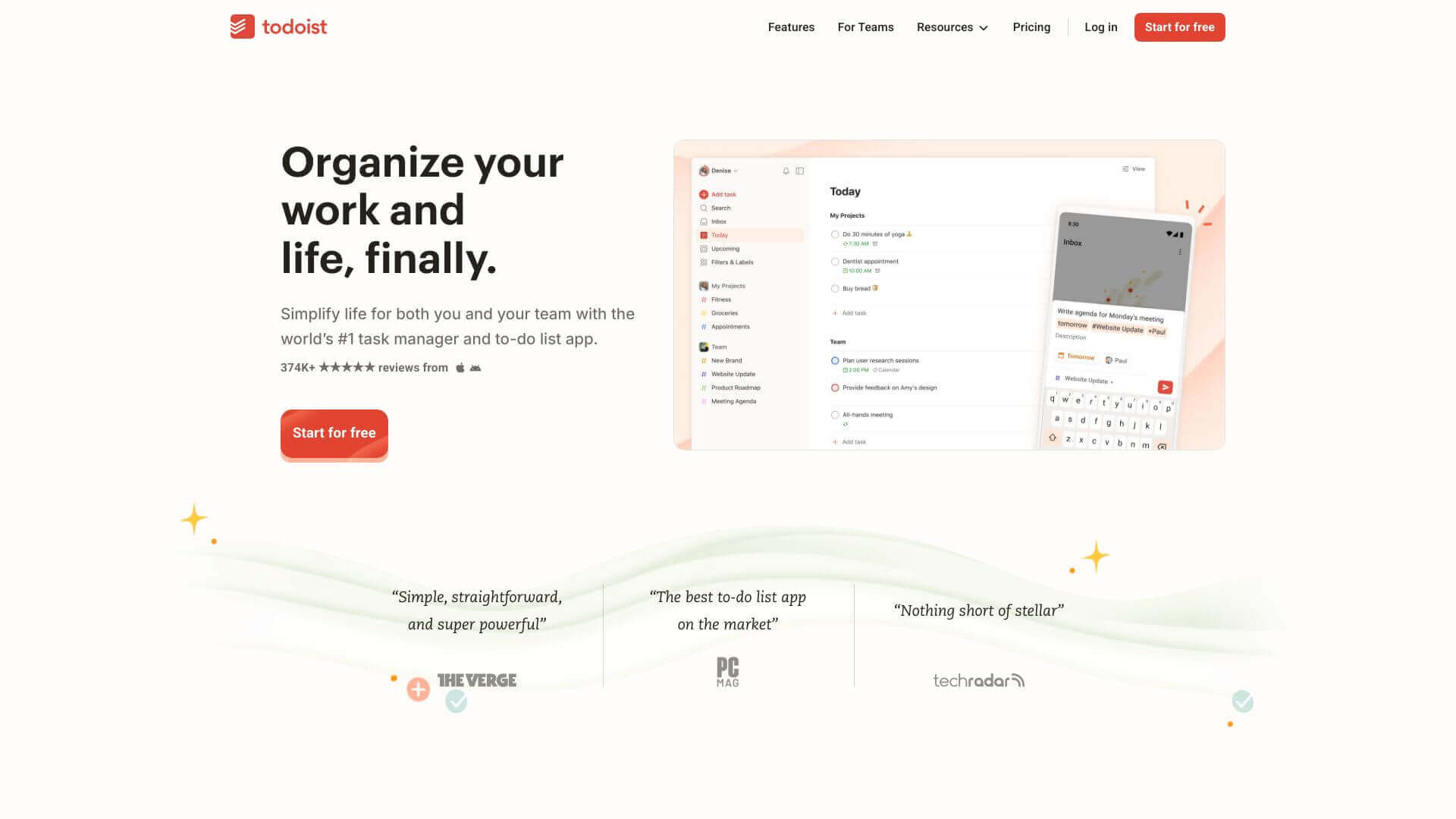
Todoist is an AI Productivity tool. Todoist helps you get organized. Manage tasks, set reminders, and team up on projects, all in one place. Key features include Task Capture and Organization, Recurring Tasks, and Collaboration and Shared Projects. Best for project managers, writers and teachers.
About Todoist
Todoist keeps track of tasks big or small. Make lists, set deadlines, and share projects with others. It works on phones, computers, and integrates with your calendar. The free version is great for simple to-dos. Pay for more for useful extras like filters. Todoist helps whether you’re planning a day or managing a group project.
Key Features
Task Capture and Organization.
Quickly add tasks from emails, web pages, and voice assistants. Organize tasks into projects, labels, and priorities.
Recurring Tasks.
Schedule regular activities easily. Set tasks to repeat based on completion dates, so you don't have to adjust every time.
Collaboration and Shared Projects.
Work with others on shared projects. Assign tasks to team members and track progress with comments and labels.
Calendar Integration.
See your tasks alongside events by connecting Todoist with Google Calendar and other calendar apps.
Filters and Templates.
Use filters and templates to make task management easier. Streamline your work with custom views and pre-built checklists.
Reminders and Notifications.
Get automatic and location-based reminders. Never forget a task, even when you're on the go.
Frequently Asked Questions
Yes, Todoist works with voice assistants like Siri, Google Assistant, and Alexa.
Yes, you can add tasks from emails in Todoist using the Gmail plugin or Gmail Add-On.
Yes, Todoist is on iOS, Android, macOS, Windows, and the web.
Yes, there's a free version of Todoist with basic task management features.



