
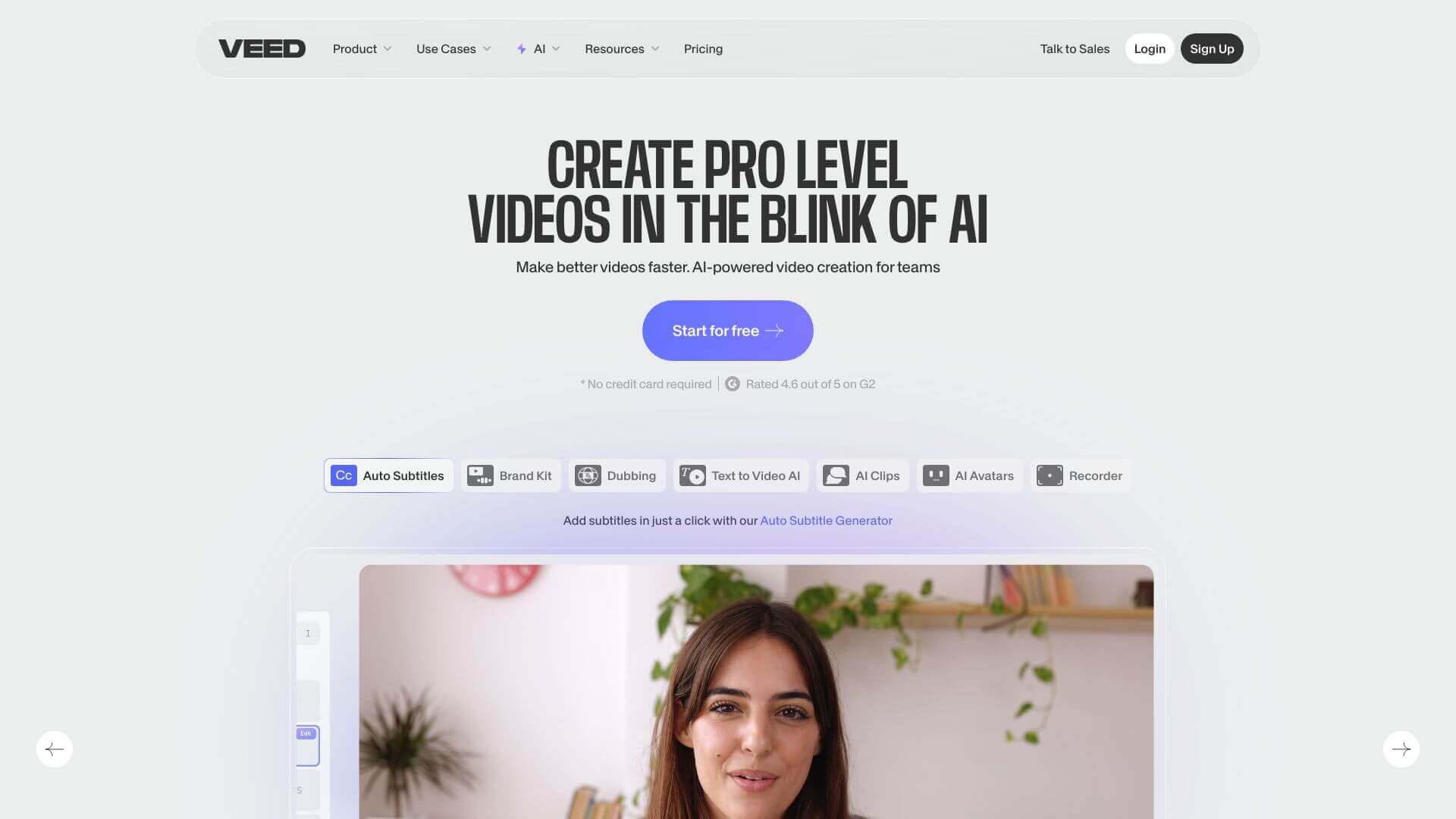
VEED is an AI Video tool. VEED.IO is a straightforward online video editor. It uses AI to make editing easy, even if you're new to it. Key features include AI-Powered Video Editing, AI Avatars and Voice Cloning, and Stock Library and Templates. Best for project managers and business consultants.
About VEED
VEED (VEED.IO) is a browser-based video editor with AI features layered onto traditional editing tools. The platform combines Magic Cut, AI translation, filler word removal, auto subtitles, AI avatars, and voice cloning with screen recording, collaboration, and a large stock library — supporting both individual creators and team workflows.
The core features that matter
- AI-powered video editing with Magic Cut, AI Translate, Filler Word Removal, Auto Subtitles, Text to Speech, and Eye Contact Correction handling routine editing automatically
- AI avatars and voice cloning for creating avatars and cloned voices for automated voiceovers, speeding up content production
- Stock library and templates with over 2 million royalty-free audio and video assets plus ready-to-use templates
- Screen recording and webcam integration directly inside the editor for tutorials, meetings, and presentation capture
- Collaboration tools with multiple people working on a project simultaneously through real-time editing features
- Publishing capabilities with embeddable players and brand-customization options for sharing video content
How it stands out
The cloud video editor space has competitors including WeVideo, Kapwing, Capcut Web, Descript (transcription-focused), and Canva Video. VEED's specific position bundles broad AI editing features with the stock library scale — over 2 million assets is meaningfully larger than most competitors. For creators producing high-volume video content who use stock material regularly, that library advantage matters.
The honest qualifier: browser-based editors work well for short and medium content and become slower for long projects with high-resolution footage. VEED handles standard creator workloads reliably but isn't a replacement for desktop tools like Premiere Pro for long-form production. The AI features are useful additions but quality varies — filler word removal works well on clean speech and produces awkward cuts on heavily accented or stuttered audio. For creators producing regular short-form content where stock assets and AI editing accelerate work, VEED covers the workflow efficiently.
Key Features
AI-Powered Video Editing.
AI Avatars and Voice Cloning.
Stock Library and Templates.
Screen Recording and Webcam Integration.
Collaboration Tools.
Publishing Capabilities.
Frequently Asked Questions
VEED.IO uses AI to create avatars. These avatars let you quickly make videos where a person seems to be speaking. They can read scripts and look like they're talking like a real person.
Yes, VEED.IO is great for YouTube editing. It has features like subtitles, filters, and transitions to make your videos better.
VEED.IO lets you set up workspaces. You can control who has access. Multiple people can work on the same video project. You can also comment on videos to give feedback.
VEED.IO works well for most people. But, if you're a pro who needs really advanced tools, or if you have very large video files, it might not be the best choice. It can sometimes have performance problems with large files.



