
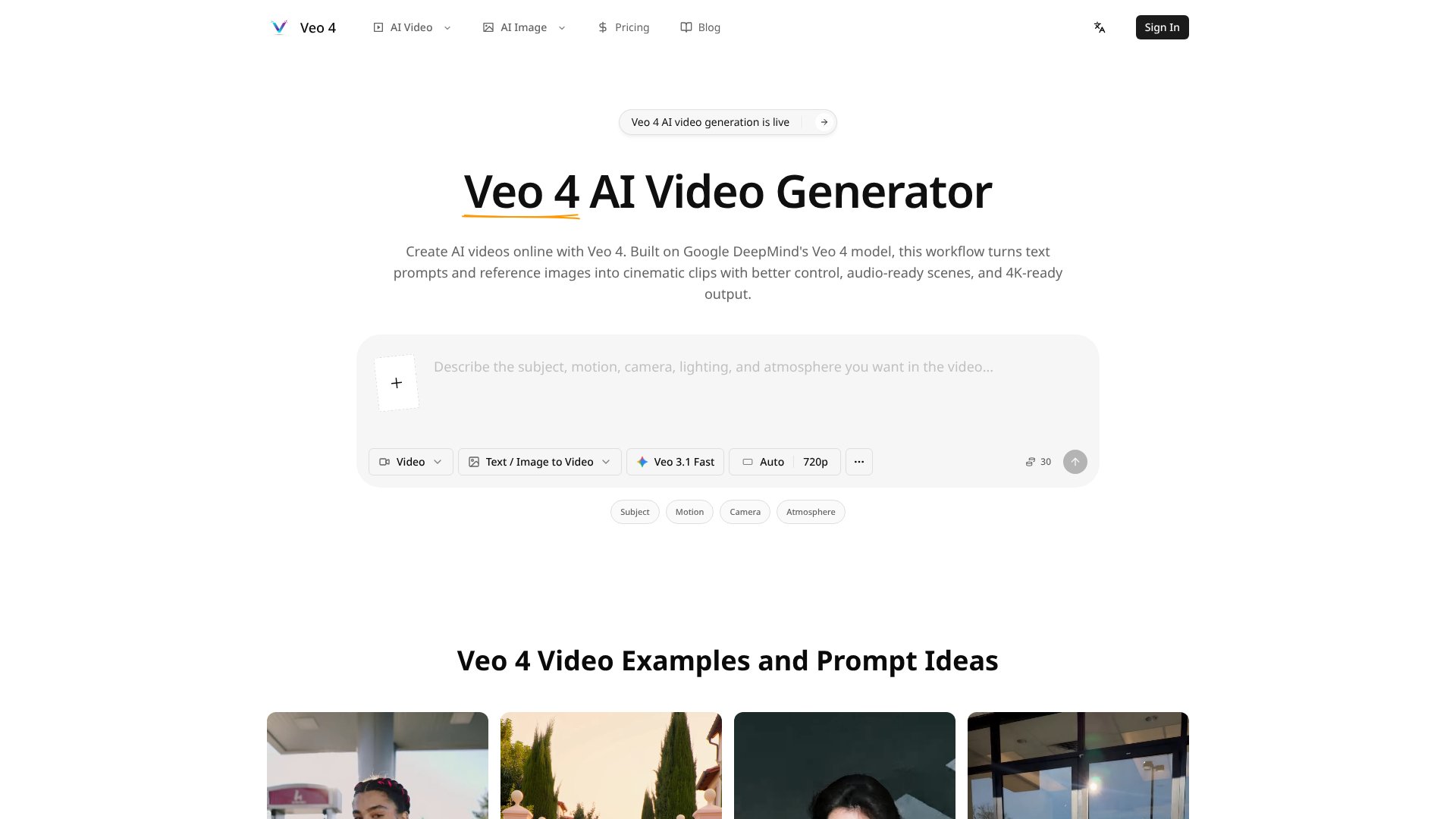
Veo 4 Video Generator is an AI Video tool. Create cinematic videos from text and images with Google DeepMind's Veo 4 AI model. Key features include Text-to-Video Generation, Image-to-Video Animation, and Multiple Video Models. Best for content creators.
About Veo 4 Video Generator
Veo 4 Video Generator transforms text prompts and images into cinematic video clips up to 8 seconds long, accessing Veo and other AI video models. The platform combines text-to-video and image-to-video generation with frame control, synchronized audio, 4K-ready output, and director-level camera controls — targeting creators producing short AI video content.
The core features that matter
- Text-to-video generation turning scene descriptions into cinematic clips with automatic handling of motion, lighting, and camera movement
- Image-to-video animation uploading still images and animating them with first and last frame control for smooth motion between specified points
- Multiple video models with access to Veo 3.1, Veo 3.1 Fast, and other models in one platform, supporting quality versus speed trade-offs
- Synchronized audio generation producing built-in sound effects, ambient audio, dialogue, and music alongside visuals
- 4K-ready output at 720p or 1080p with 24fps and 4K upscaling, plus multiple aspect ratios for social, ads, and product demos
- Frame and camera control through detailed prompts specifying dolly shots, pans, lighting, and cinematic techniques
How it stands out
The AI video generation space has Google's actual Veo platform, OpenAI's Sora, Runway, Kling, and various aggregator platforms. Veo 4 Video Generator appears to be a third-party platform using the Veo branding rather than Google's official tool. Actual capabilities should be verified against marketing claims since the brand association doesn't guarantee the underlying technology matches Google's first-party Veo experience.
The honest qualifier: the 8-second clip length is shorter than what's possible on some competitor platforms. The 4K branding is qualified with 'upscaling available' rather than native 4K generation. Aggregator platforms accessing third-party models inherit both the capabilities and the limitations of those models. For users testing Veo 4 Video Generator, comparing output quality and pricing against going direct to confirmed first-party platforms matters before committing to paid tiers. For users wanting frontier video generation with verified provenance, the official Veo through Google or other confirmed platforms may be safer choices.
Key Features
Text-to-Video Generation.
Image-to-Video Animation.
Multiple Video Models.
Synchronized Audio Generation.
4K-Ready Output.
Frame and Camera Control.
Frequently Asked Questions
You can create 4-8 second cinematic video clips for social media content, product demos, ads, explainer videos, and storyboard drafts. The tool works best for short-form content like TikTok videos, Instagram Reels, YouTube Shorts, and marketing materials.
Veo 4 Video Generator offers subscription plans starting at $39.90 per month (billed annually). Plans include credits for video generation, with the Starter plan offering up to 1200 videos per year, 4K video generation, commercial usage rights, and priority processing.
Text-to-video creates videos from written prompts alone, while image-to-video animates uploaded photos into moving clips. Image-to-video helps maintain specific visual styles, products, or characters better than text alone by giving the AI a clear reference point.
Yes, all paid plans include commercial usage rights. You can use the generated videos in client projects, advertising campaigns, social media posts, and other commercial applications without additional licensing fees.



