
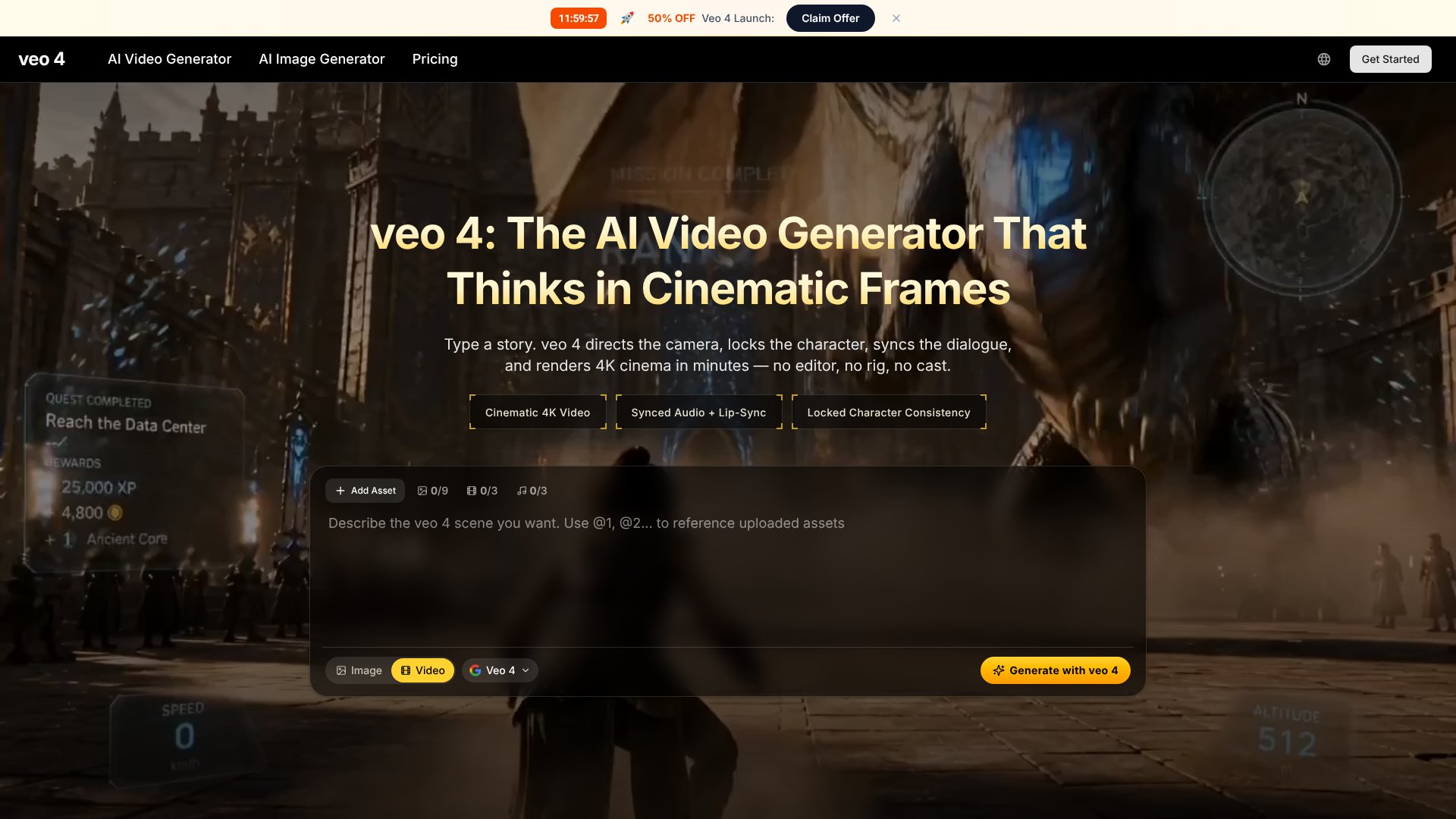
Veo 4 is an AI Video tool. Create cinematic 4K videos from text prompts with native audio and character continuity. Key features include 4K Cinematic Output, Character Continuity, and Native Audio Generation. Best for content creators.
About Veo 4
Veo 4 is an AI video generation platform that converts text prompts, images, or storyboards into 4K cinematic clips with synchronized audio, character continuity, and up to 2-minute video lengths. The platform combines director-level camera controls with multi-input support, targeting creators and businesses producing AI video at professional quality.
The core features that matter
- 4K cinematic output with film-like color grading and detail suitable for ads, social media, and branded content without additional post-processing
- Character continuity maintaining consistent character appearance, wardrobe, and features across every shot including during movement and angle changes
- Native audio generation creating synchronized audio with Foley sound effects and ambient audio automatically alongside the visuals
- Extended video length producing continuous clips up to 2 minutes from single prompts without stitching, supporting complete scenes and short narratives
- Director's mode controls responding to explicit camera vocabulary including pans, tilts, dolly moves, focal lengths, and handheld effects
- Multi-input support accepting text prompts, reference images, and storyboards to guide creation based on multiple input types
How it stands out
The frontier AI video space has Google's actual Veo models, OpenAI's Sora, Runway, Kling, and Seedance from ByteDance. Veo 4 here appears to be a third-party platform using the Veo branding rather than Google's official product, which means actual capabilities should be verified against marketing claims. The advertised 4K output, 2-minute clip length, and native audio are features competitors generally don't all offer simultaneously.
The honest qualifier: AI video platforms occasionally use frontier model names in their branding without being the official tool. Veo 4 should be evaluated based on actual output rather than the name association with Google's Veo. The combination of 4K, 2-minute clips, and synchronized audio is genuinely uncommon if delivered consistently. Character continuity at 2-minute length is particularly difficult to maintain — if the platform actually delivers it, that's meaningful. For creators considering Veo 4, testing actual output against marketing claims before committing to paid tiers makes sense. For users wanting confirmed frontier video generation, going to platforms with verified track records may be safer.
Key Features
4K Cinematic Output.
Character Continuity.
Native Audio Generation.
Extended Video Length.
Director's Mode Controls.
Multi-Input Support.
Frequently Asked Questions
Veo 4 focuses on cinematic quality and temporal consistency. It maintains character identity across frames, generates native audio, and produces 4K output up to 2 minutes long. The platform offers director-level controls for camera movement and lighting, making it suitable for professional production workflows rather than just experimental clips.
Most videos are ready within minutes, though generation time varies based on prompt complexity, video length, and the level of detail requested. The platform is optimized for fast iteration so you can test multiple variations and refine your results quickly without long wait times.
Commercial usage rights depend on your specific plan and the terms of service. You should review the licensing terms before using Veo 4 outputs in client work, paid advertising, or commercial distribution. Check the pricing page or contact support to confirm your license scope.
No, Veo 4 runs entirely in your web browser. You don't need to install any software or have special hardware. Just open the platform with a modern browser and stable internet connection, enter your prompt, and generate your video directly online from any device.



