
Viggle 2.0 logo

Viggle 2.0 Review

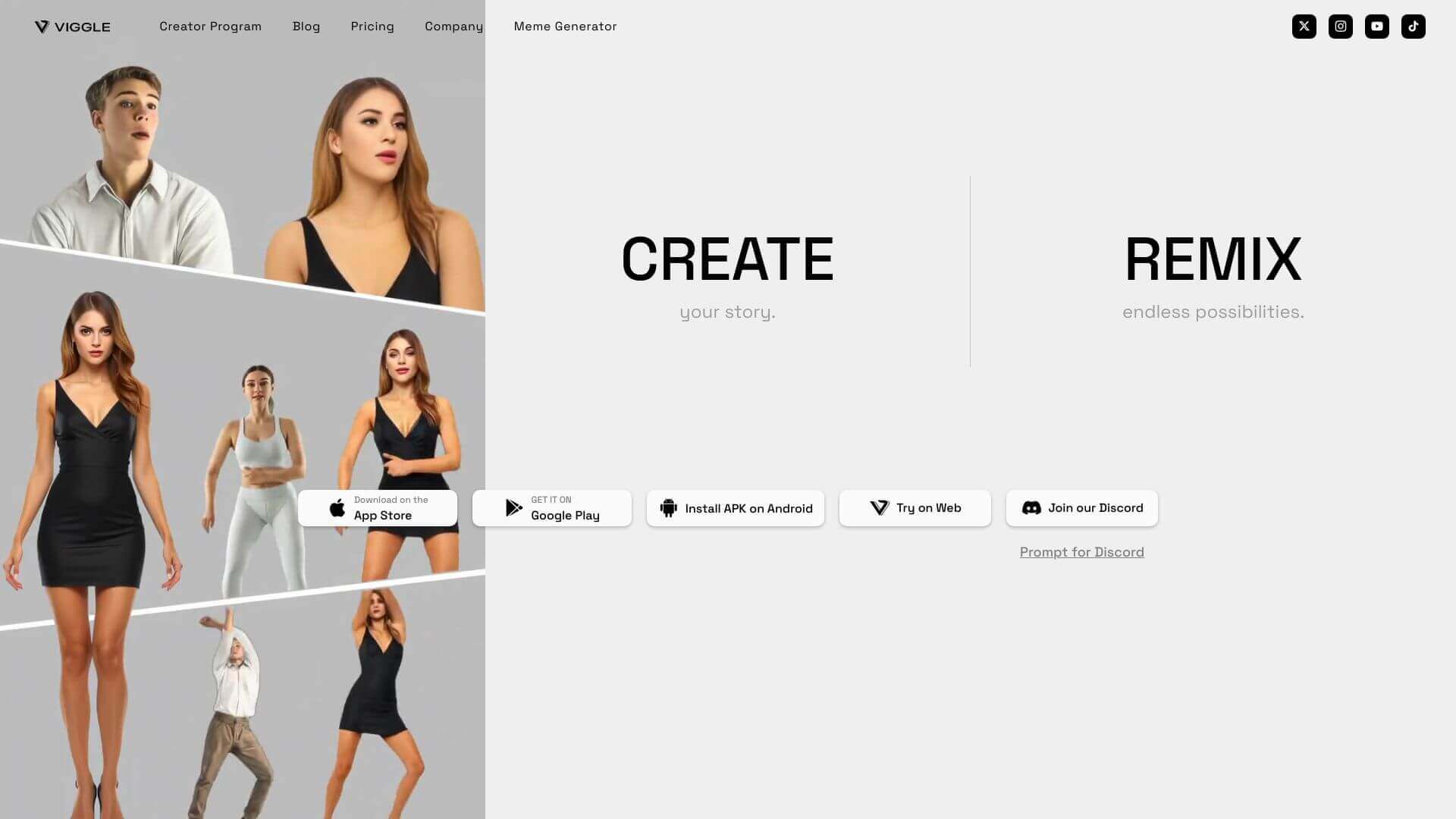
Viggle AI makes animated videos. It uses AI to turn images or text into 3D animations that look realistic and are easy to make.

No ratings yet
Visit Viggle 2.0
View Alternatives
Viggle 2.0 screenshot

Viggle 2.0 is an AI Video tool. Viggle AI makes animated videos. It uses AI to turn images or text into 3D animations that look realistic and are easy to make. Key features include Physics-Based Realism, Mix and Animate Commands, and Character Customization. Best for content creators, writers and journalists and reporters.

4.6 (5 reviews)28 upvotes6 key features6+ alternatives →

About Viggle 2.0

Viggle AI helps you create cool animations fast. Just add an image to a video clip or type in what you want to see, and it makes a 3D animation. It's free and easy for anyone to use, even if you're not a pro. You can animate characters for social media, ads or even memes. Right now, it’s just for humans, but animals are coming soon!

Key Features

Physics-Based Realism.

Viggle AI's JST-1 model gets how movement works. It makes sure animations look real and natural.

Mix and Animate Commands.

You can mix images and videos. Or you can create animations from text. Just use commands like /mix or /animate.

Character Customization.

You can make your own characters. The feature is still improving, though.

Ideation Feature.

This helps you create video ideas from text. It’s still being developed, but promising.

Text-to-Animation.

Type in a description, and get an animation fast. It's that simple.

Accessibility via Discord.

Viggle AI lives on Discord. Great for getting help and chatting with others.

Frequently Asked Questions

Viggle AI uses the JST-1 model to combine still images with video clips or make animations from text. This creates realistic movements.

Right now, Viggle AI mainly works with human images. But, they're working on adding support for animals.

Yes, Viggle AI is made to be simple. It's easy to use, even if you don't have much animation experience.

Viggle AI is free and easy to get to. Professionals can use it to quickly create ideas or add cool effects to their projects.

User Reviews

Similar Tools

View all →

