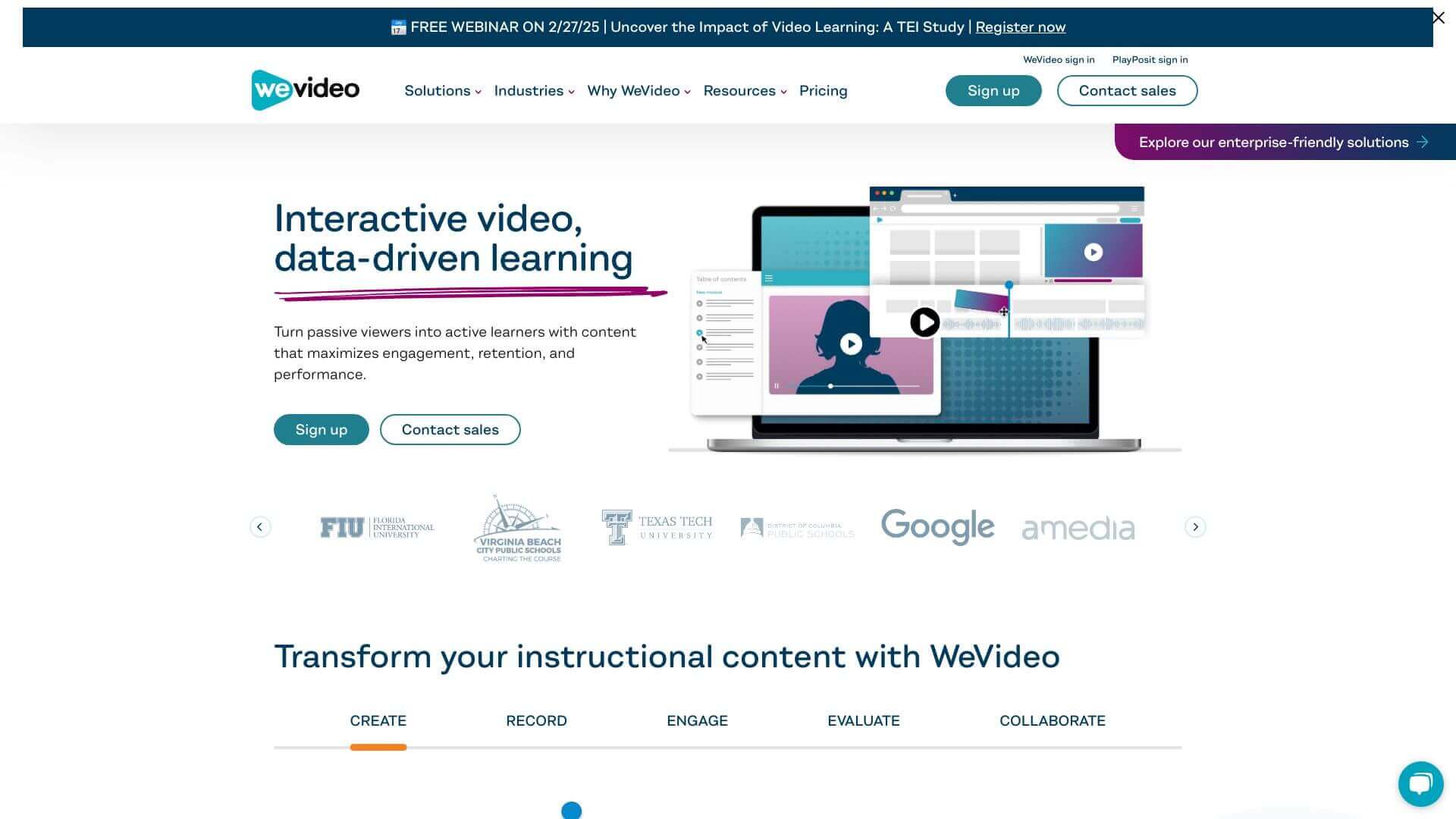
WeVideo AI is an AI Video tool. WeVideo lets you easily create and edit videos online with cool tools like AI subtitle generation. Key features include Video Editing Tools, Collaboration, and Media Library and Stock Assets. Best for filmmakers and video editors, content creators and marketers.
About WeVideo AI
WeVideo AI is a cloud-based video editor combining traditional editing tools with AI features like auto-subtitles, noise reduction, and stock asset libraries. The platform supports collaboration, screen and webcam recording, and 4K publishing — targeting educators, marketers, and individual creators who want browser-based video editing without dedicated software.
The core features that matter
- Video editing tools covering trim, split, merge, flip, filter, and slow-motion operations that handle the standard editing workflow without specialized software
- Real-time collaboration with multiple people working on the same video simultaneously, supporting team projects across distributed contributors
- Media library and stock assets with royalty-free music and images available for use without licensing complications
- Screen and webcam recording for tutorial creation and education content directly from the editor
- AI tools for automatic subtitle generation and background noise reduction, improving video quality without manual editing
- High-resolution publishing at 4K Ultra HD for output quality that holds up across modern displays and platforms
How it stands out
The cloud-based video editor space has competitors including Adobe Premiere Rush, Veed.io, Kapwing, and CapCut Web. WeVideo AI's specific position is the combination of established cloud editing infrastructure with the AI features that newer competitors emphasize. The platform has been around longer than most browser-based editors, which means more mature feature stability.
The honest qualifier: cloud video editors work well for short and medium content and become slower for long projects with high-resolution footage. WeVideo handles the typical educator and small-creator workload reliably but isn't a replacement for desktop tools like Premiere Pro or DaVinci Resolve when projects scale up. The AI features are useful additions but don't drive the platform's core value — that comes from the established cloud editing capabilities. For educators, small business marketers, and individual creators producing regular short-to-medium video content, WeVideo AI fits the workflow well. For professional video production work, desktop alternatives still produce better results.
Key Features
Video Editing Tools.
Collaboration.
Media Library and Stock Assets.
Screen and Webcam Recording.
AI Tools.
High-Resolution Publishing.
Frequently Asked Questions
Yes, WeVideo is easy to use. It has a simple design and drag-and-drop tools for beginners.
Yes, you can edit up to 4K videos with WeVideo. Some plans even let you publish in 4K.
Yes, WeVideo supports team collaboration. The Business plan is great because it allows real-time collaboration and team file sharing.
Yes, WeVideo works on mobile devices. You can use it in mobile browsers, or get the apps for Android and iOS.



