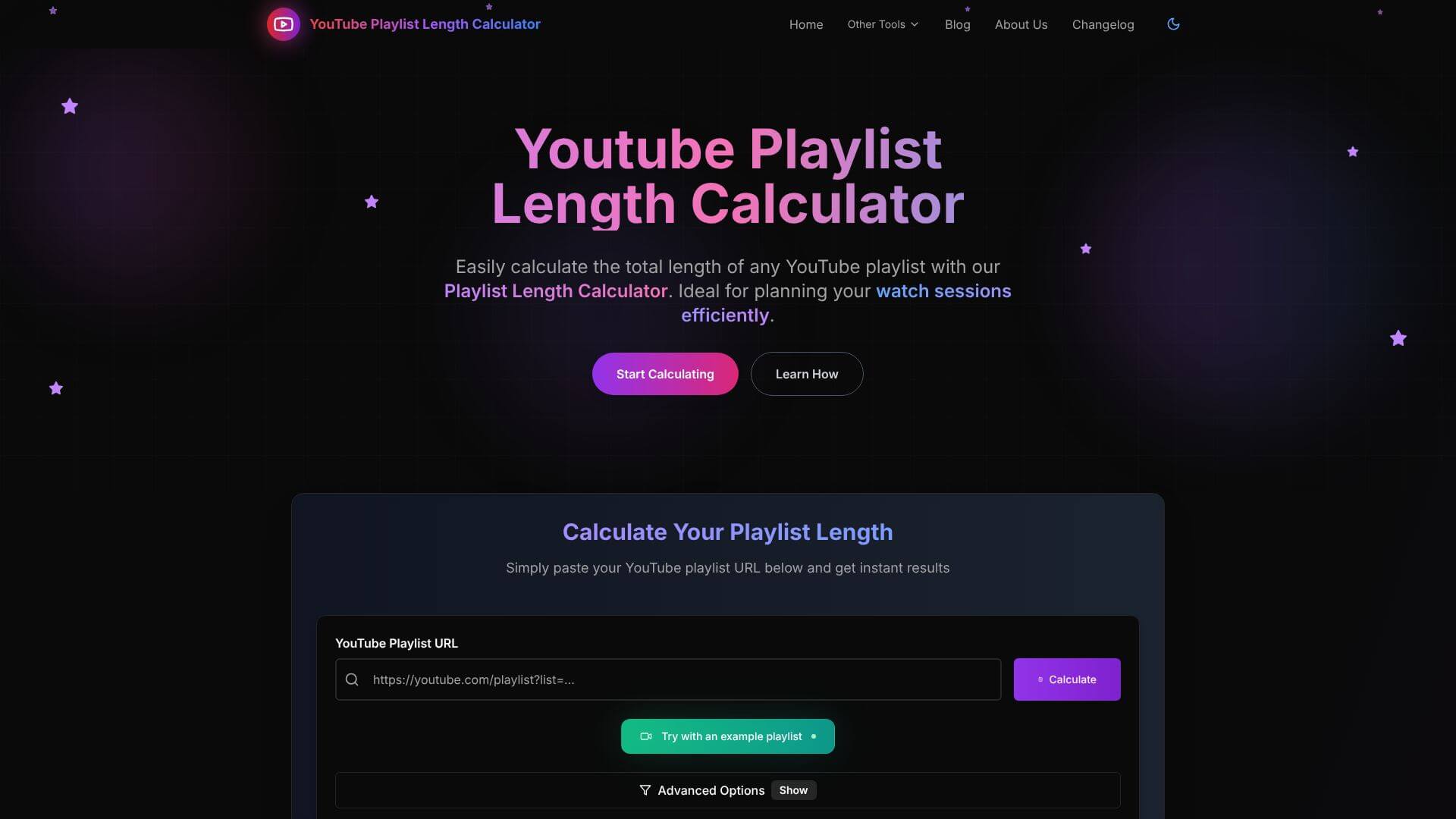
Youtube Playlist Length Calculator is an Automation tool. Calculates total YouTube playlist length, shows duration at different playback speeds. Key features include Instant Multi-Format Duration Display, Comprehensive Playback Speed Calculation, and Custom Video Range Selection. Best for teachers, content creators and marketers.
About Youtube Playlist Length Calculator
Youtube Playlist Length Calculator is a focused utility that computes total watch time for any YouTube playlist using the official YouTube API. The tool shows duration in multiple formats and calculates viewing time at different playback speeds, supporting users planning their watch time for learning, research, or entertainment.
The core features that matter
- Instant multi-format duration display showing total playlist time as hours, minutes, days, or other units, supporting different ways of understanding the time commitment
- Comprehensive playback speed calculation covering 0.25x through 5x speeds with time savings calculated for each, useful for users who watch educational content at faster speeds
- Custom video range selection for analyzing specific portions of long playlists rather than the entire list, supporting targeted viewing planning
- Mobile-responsive design adapting to desktop, tablet, and phone screens so the calculator works wherever you check playlists
- Privacy-first architecture with no storage of playlist links or user data, addressing the privacy concern that affects most online utility tools
How it stands out
The YouTube playlist tool space has various calculators and Chrome extensions covering similar functionality. Youtube Playlist Length Calculator's specific position is the breadth of speed options combined with custom range selection. Most competitors offer basic total-time calculation without the playback speed analysis that matters for users actually planning their viewing.
The honest qualifier: playlist calculators are useful single-purpose tools that don't carry significant value beyond their core function. Youtube Playlist Length Calculator does its job well, but the depth of value is limited — most users will use the tool occasionally rather than daily. The privacy-first approach is a reasonable default for a calculator that doesn't need user data, though it's also the easy choice given the tool's limited scope. For students estimating course completion time, researchers planning content consumption, or anyone deciding whether a long playlist is worth committing to, the calculator handles the question efficiently.
Key Features
Instant Multi-Format Duration Display.
Comprehensive Playback Speed Calculation.
Custom Video Range Selection.
Mobile-Responsive Design and Accessibility.
Privacy-First Architecture.
Frequently Asked Questions
It's a free website tool that figures out how long a YouTube playlist is. It adds up the time for all the videos. This helps you know how much time you need to watch a whole playlist without manually adding up each video's length.
You give it a YouTube playlist link, and the tool connects to YouTube to get information about every video. Then, it quickly adds up all the video times. It shows you the total length in hours, minutes, and seconds. It also guesses how long it would take at different speeds.
No, it doesn't. This tool focuses on privacy. It doesn't save your playlist links, what you watch, or any personal details. It calculates the length in real-time and then deletes the information, so your viewing habits stay private.
No, it can only calculate the length of public YouTube playlists. It can't access private or unlisted playlists because of YouTube's privacy rules. If a playlist has deleted or blocked videos, the tool will just skip those videos in its calculation.